
Resize an environment
Make a Qoren environment bigger so it holds more agents. What happens to your agents during the resize, what it costs, and why environments cannot shrink.
On this page
Resize an environment when it is full and you want more agents on it, or when a template needs a bigger one. An environment can grow to any larger size your plan allows. It cannot shrink.
Before you start#
- The environment must be Running or Stopped. While it is setting up, resizing or being removed, the resize controls are off and say "Available once the environment has finished what it is doing."
- The new size must be within your plan. See environment sizes and agent capacity.
Resize it#
- In the sidebar, click Environments and open the environment.
- Click the Settings tab.
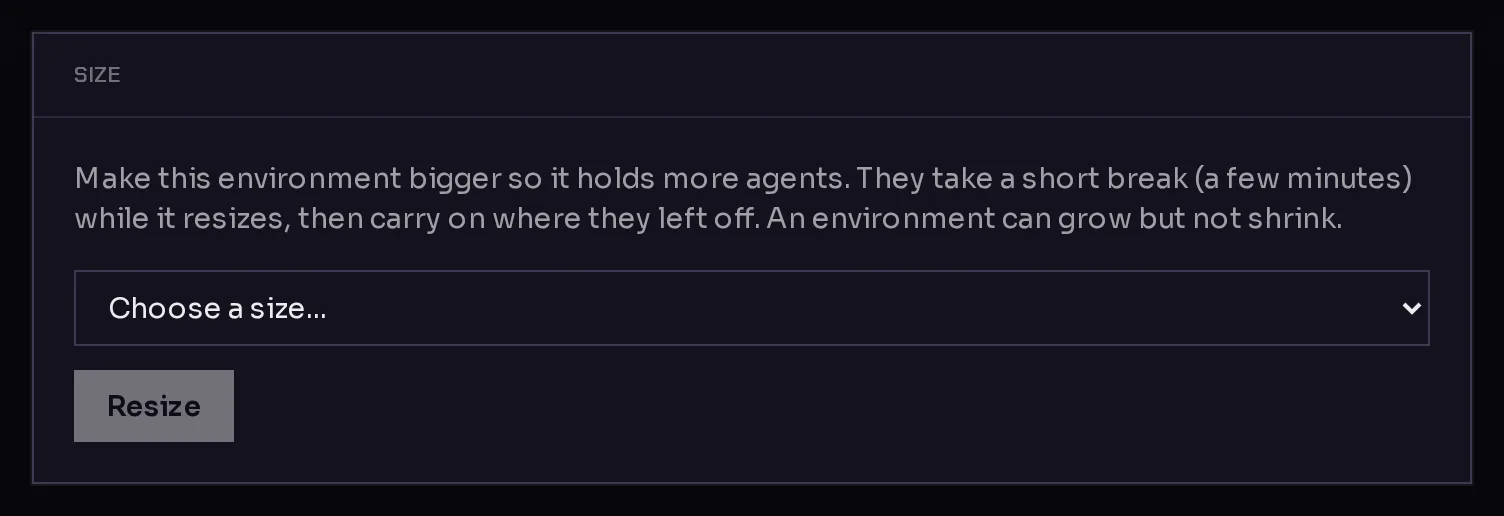
- In the Size card, open the New environment size menu (1) and choose a size.
 12
12The menu marks each size that you cannot pick, and why:
- (current): the size it already is.
- can't shrink an environment: a smaller size.
- needs a plan upgrade: a size your plan does not include.
- too small for your agents: a size with fewer places than the agents already on it.
- Click Resize (2).
A Resizing card appears above the tabs with the progress, and the environment's status changes to Resizing. You can switch tabs or leave the page; the resize keeps going.
What happens to your agents#
To change size, the environment has to be switched off for a moment. The resize runs in three steps, which you can follow in the progress card and later on the Logs tab:
- Pause the environment: it powers off, and its agents stop.
- Resize to the new size.
- Start the environment: it powers on and Qoren waits until it is reachable again.
Your agents take a short break, usually a few minutes, then carry on where they left off. Their files and settings stay as they were. If the resize fails, Qoren starts the environment again on its old size, so it is never left switched off.
What it costs#
From the next hour on, the environment draws the hourly rate of its new size. There is no separate resize charge. The current rates are on environment sizes and agent capacity.
Go to a smaller size#
An environment's storage can only grow, so there is no way to resize down. To end up on a smaller size:
- Create an environment of the smaller size.
- Move each agent to the new environment.
- Remove the old environment from its Settings tab, as described in environment settings and logs.
Frequently asked questions#
Will my agents lose anything during a resize?
No. They pause while the environment is off and pick up where they left off once it starts again. Their files and settings stay on the environment.
Can I resize during the free trial?
No. Trial environments stay on capped hardware until you pay, and a resize is refused with a message that says so. End the trial early to lift the cap.
The resize failed. What now?
The environment was started again on its old size. Open the Logs tab to read which step failed, then try again. If it keeps failing, report a bug.