
Export your account data
Download a copy of your Qoren account data as a JSON file from Settings, see exactly what the export includes, and how to keep your agents' own files as well.
On this page
You can download a copy of the personal data your Qoren account holds at any time. It is a good idea before you delete your account, and it is how you exercise your right to access your data.
Download your data#
- Open Settings and choose Data & privacy.
- Click Export my data (1).
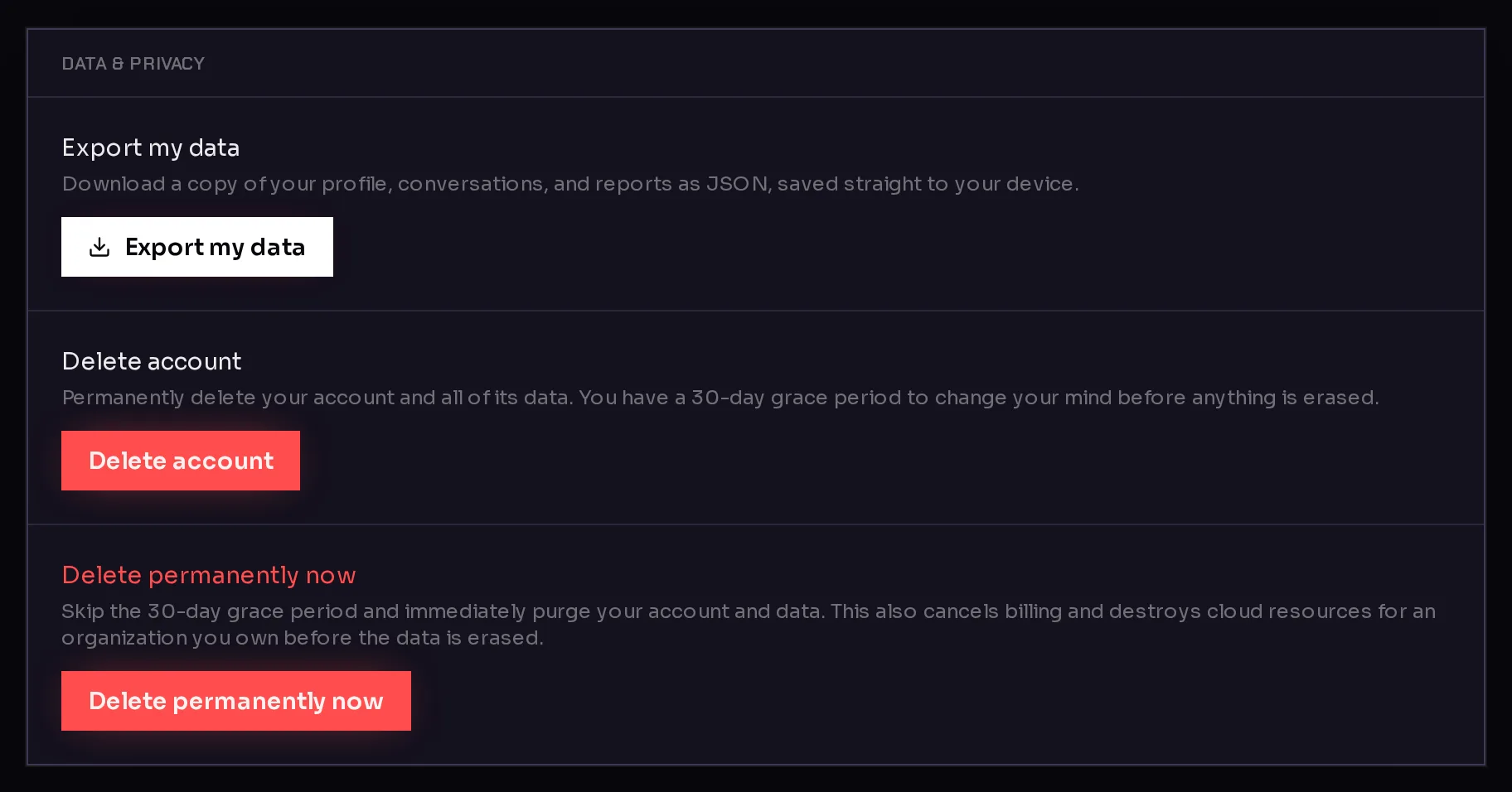 1
1- Your browser saves a file named
qoren-data-export.json. The card confirms it with Your data is downloading.
A copy is usually also emailed to your account address as a download link. That emailed copy is deleted after seven days.
You can request one export per hour. If you click again sooner, you see an error; wait and try again later.
What the export contains#
The file is plain JSON, readable in any text editor. It holds your own personal data:
- Your profile: name, email, your role, and whether onboarding is complete.
- Your organization: its name, industry and description, and whether you are its owner or a member.
- Your conversations and reports: any interview conversations stored under your account, with their messages, and the business profiles and reports made from them.
- Ratings you gave to messages in those conversations.
- The date and time the export was made.
It does not include other members' data, even from your own organization.
What the export does not contain#
The export covers your account, not the work your agents do. It does not include:
- your agents' files or settings, or your chats with agents in the console,
- the passwords and keys in your Vault,
- your environments, or your billing records and invoices.
To keep an agent's files, download them from its Workspace tab. See agent workspace. Invoices are in the billing portal under Settings, Billing, Manage billing.
Frequently asked questions#
What format is the export?
A single JSON file, qoren-data-export.json. It is plain text, so any editor or script can read it.
How long does the emailed link work?
The stored copy behind the emailed link is deleted after seven days. The file your browser saved is yours to keep.
Why did my second export fail?
Exports are limited to one per hour. Wait an hour and try again.
Does the export include my agents' work?
No. Download an agent's files from its Workspace tab before you delete anything. See agent workspace.