
Your profile and email notifications
Change your Qoren display name and avatar, choose which emails you get (product newsletter, AI agents course, usage alerts), and set when agent chats compact.
On this page
Your profile is how you appear in Qoren, and your notification settings decide which emails reach you. Both live in Settings. Your business name and details are separate: they are on the Details page in the sidebar, see company details.
Change your name or avatar#
- Open Settings and choose Profile.
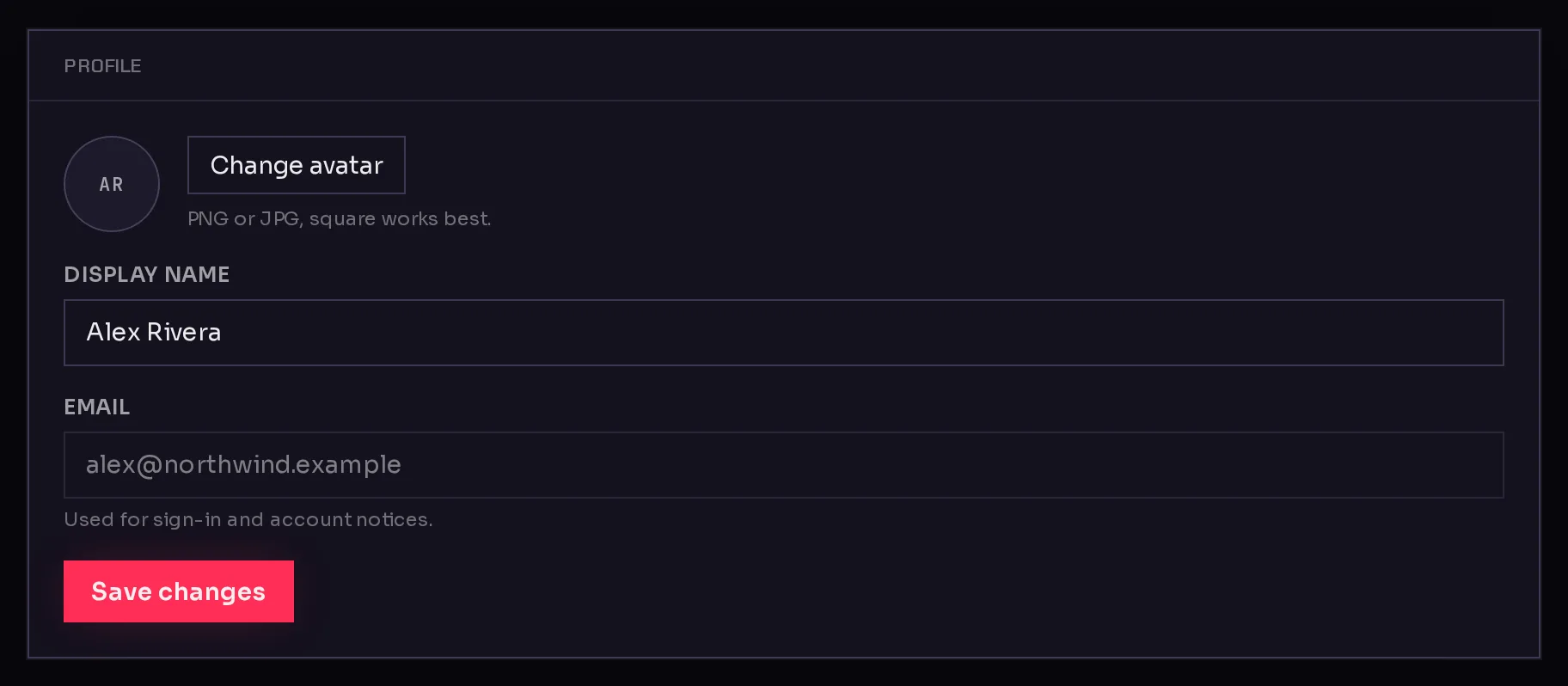
- To change your picture, click Change avatar (1) and pick an image. PNG or JPG, square works best.
- Edit your Display name (2).
- Click Save changes (3). You see Profile saved. when it is done.
 123
123Your Email is shown but cannot be changed here. It is the address you sign in with and where account notices go.
Choose your emails#
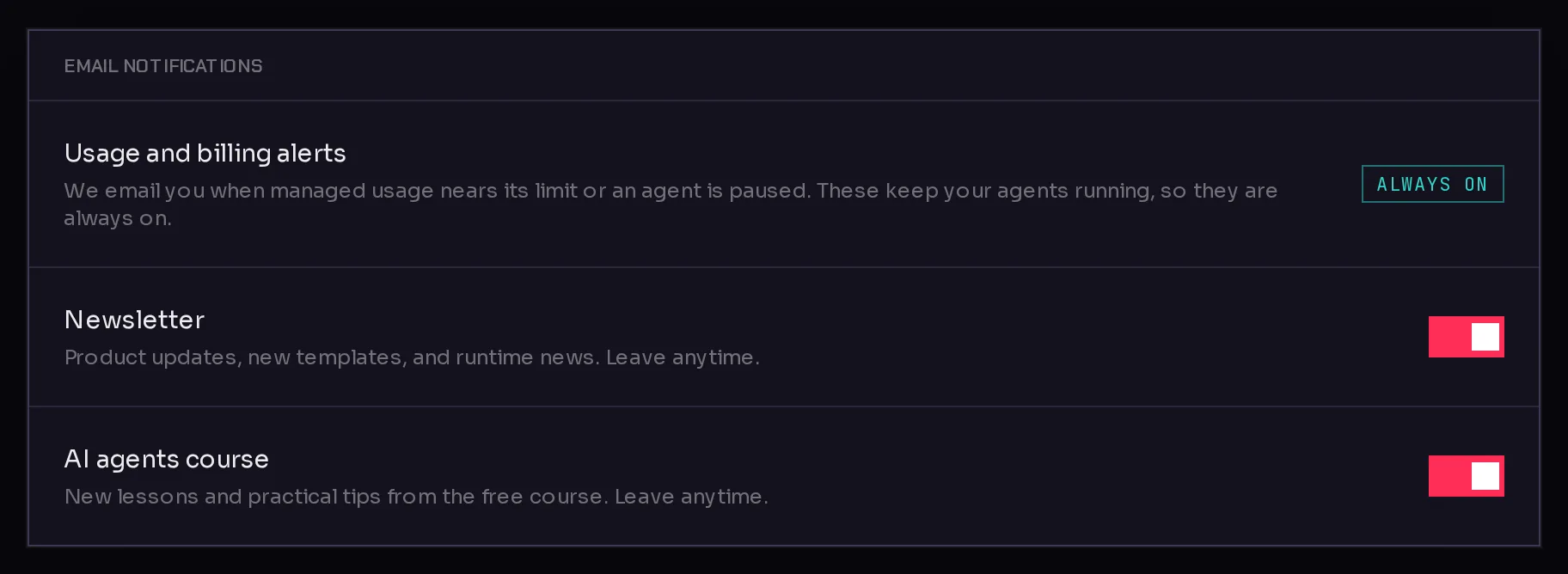
Open Settings and choose Notifications. The Email notifications card has three lines.
 123
123- Usage and billing alerts (1) are marked Always on. These are the emails that keep your agents running, such as a warning that managed usage is nearing its limit or that an agent was paused.
- Newsletter (2): product updates, new templates and runtime news. It starts switched on; switch it off to leave.
- AI agents course (3): new lessons and practical tips from the free course. It starts switched off; switch it on to join.
Changes save as soon as you flip a switch.
Set when agent chats compact#
Long chats with an agent eventually fill the model's memory for the conversation. Qoren then folds older turns into a short summary so the chat can continue.
- Open Settings and choose Agent chats.
- Pick the Auto-compaction threshold, between 50% and 90%: how full a chat gets before your next message compacts it. A lower value compacts earlier and keeps more headroom; a higher value keeps more of the original messages.
- The change saves straight away. To go back to the default, click Reset to default (80%), which appears once you have picked another value.
This setting only affects your own chats with agents in the console. It does not change how agents manage their memory while they work on tasks. See chat with an agent.
Frequently asked questions#
Can I change the email address on my account?
Not from Settings. The Email field on your profile is read-only.
Why can I not turn off usage and billing alerts?
They tell you when your agents are about to stop or have stopped, so they are always on. The owner can choose which thresholds are sent and where, under Billing controls.
Where do I change my business name?
On the Details page under My Company in the sidebar. See company details.